
Facebook to Website Guide: Why SG SMEs Need to Migrate Now
Relying solely on a Facebook Page is risky for any Singapore SME. This guide shows you why owning your own website is essential for growth and how to make the move without losing your hard-earned reputation and customers.
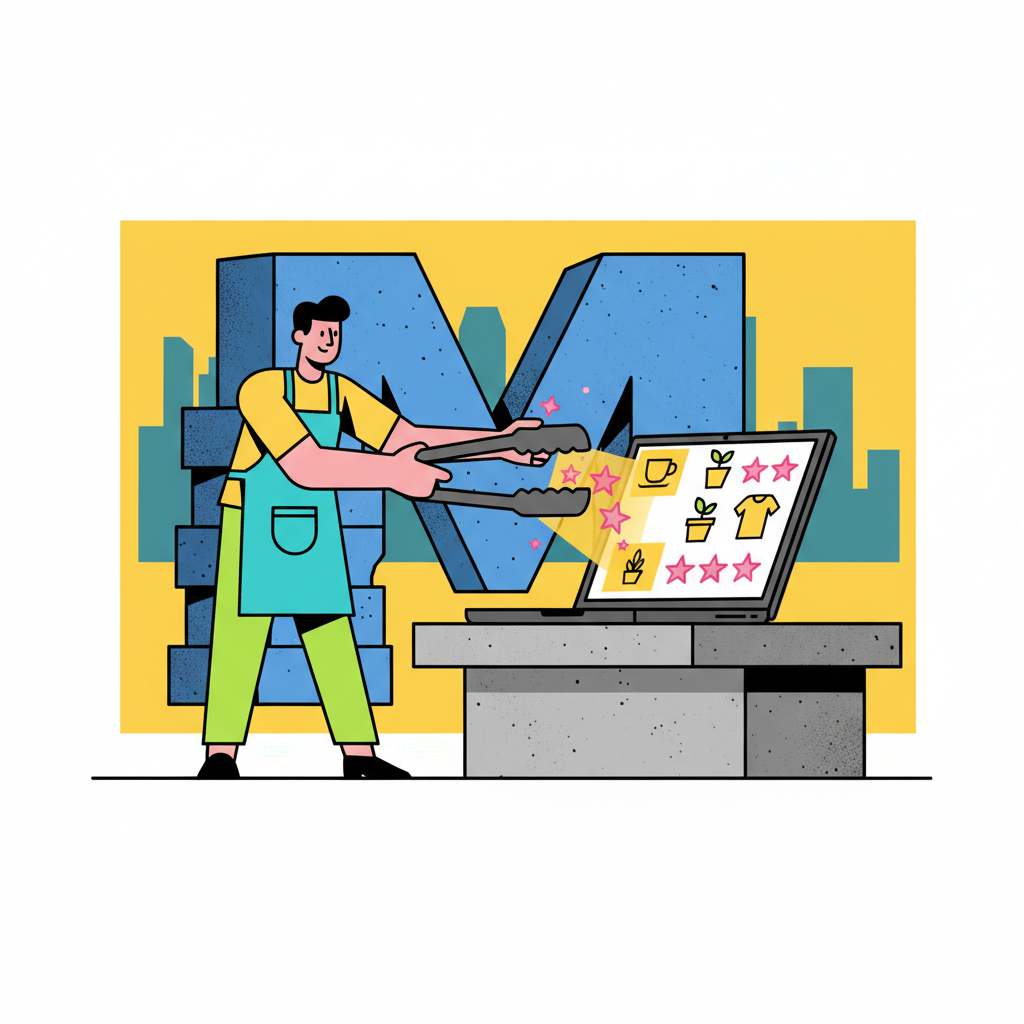
For many Singaporean entrepreneurs, a Facebook Page is the first step into the digital world. It's free, familiar, and a fantastic way to test a business idea and build an initial following. You've likely spent years posting updates, gathering reviews, and chatting with customers on Messenger. But as your business grows, relying entirely on a platform you don't control is like building a beautiful shop on rented land with a landlord who can change the rules overnight.
As we head into 2026, making the move from a social media page to a professional website isn't just an upgrade; it's a critical step towards securing your business's future. Think of it as graduating from a weekend bazaar stall to a permanent retail space on a promising street. This guide will walk you through why it matters and how to manage the move smoothly, without disrupting your operations.
Why Your SG Business Needs More Than a Facebook Page
While your Facebook Page is a valuable asset, it should be a signpost pointing to your own digital headquarters, not the headquarters itself. Here’s why owning your own .sg or .com domain is non-negotiable for a serious SME.
True Ownership and Control: You do not own your Facebook Page. Meta does. They can (and do) change their algorithm, suspend accounts with little warning, or alter features that your business depends on. Your website, on the other hand, is your digital property. No one can take it away from you.
Professional Credibility: Customers, business partners, and potential investors expect a legitimate business to have a professional website. It signals stability and trustworthiness. Trying to cram your GST registration number or company UEN into a Facebook 'About' section just doesn't look the part.
Google Search Visibility (SEO): This is the big one. If your business only exists on Facebook, you are practically invisible to the thousands of potential customers in Singapore searching on Google for your products or services every day. A properly optimised website allows you to rank on Google and attract customers with high purchase intent.
Data and Customer Insights: Facebook's analytics are basic. A website equipped with tools like Google Analytics provides deep insights into who your visitors are, how they found you, and what they do on your site. This data is gold for making informed business decisions.
Compliance and Clarity: A dedicated website provides the proper space for important legal pages required under Singapore's Personal Data Protection Act (PDPA), such as a Privacy Policy and Terms of Service. It's also the professional place to display industry-specific licenses, like a Council for Estate Agencies (CEA) number for property agents or a Singapore Food Agency (SFA) license for F&B businesses.
Your Migration Game Plan: From Meta to Your Own Domain
Migrating sounds technical, but the strategy is straightforward. It’s about organising your assets before the move. Don't worry about the code; focus on the plan.
Step 1: Secure Your Digital Address
Your first task is to choose and register a domain name (e.g., yourbrand.sg). This is your unique web address. You'll also need a web hosting plan, which is essentially the 'plot of land' where your website files will live. Choosing a reliable local hosting provider can ensure your site loads quickly for Singaporean visitors.
Step 2: Choose Your Website Platform
This is like deciding on the type of shop you want to build. For most SMEs, the choice comes down to a few options:
- All-in-One Builders (Shopify, Wix): Good for e-commerce or simple brochure sites, but can be restrictive.
- WordPress: Incredibly flexible and powerful, powering over 40% of the web. It has a steeper learning curve but offers limitless potential.
- A Custom-Built AI Website (like ours!): The fastest way to get a professional, SEO-optimised, and unique website without touching a line of code. It's designed for business owners who want a high-performance site without the technical headache.
Step 3: Plan Your Website Structure
A simple, clear structure is best. Most SMEs only need a few key pages to start:
- Home: Your digital storefront window.
- About Us: Your story, your mission, and why customers should trust you.
- Products / Services: A clear catalogue of what you offer.
- Testimonials / Reviews: Your social proof.
- Contact Us: Make it easy for customers to get in touch.
Moving Your Valuables: Content and Social Proof
This is the part that worries most business owners: how do I move my content without starting from scratch? Here’s a practical, no-fuss approach.
Migrating Your Product Catalogue
Facebook doesn't offer a clean 'export' button for your shop listings. You'll need to move these manually, but see this as an opportunity.
- Systematically Save: Go through your Facebook Shop. Save every product image to a folder on your computer. Copy and paste every product description, price, and title into a spreadsheet.
- Refine and Enhance: Now is the perfect time to improve. Take new, high-resolution photos. Rewrite your product descriptions to be more persuasive and include keywords people would use to search for them on Google.
- Upload to Your New Site: With your organised spreadsheet and image folder, adding products to your new website's e-commerce system (like Shopify or WooCommerce) will be a structured, manageable task.
Showcasing Your Hard-Earned Reviews
You can't directly transfer Facebook reviews. However, your customer feedback is too valuable to leave behind.
- Screenshot Your Best Reviews: Go to your Facebook Page's 'Reviews' tab. Take clean screenshots of your most compelling 5-star reviews.
- Create a 'Testimonials' Page: On your new website, create a dedicated page called “What Our Customers Say” or “Reviews”.
- Embed and Transcribe: Place the screenshot image on the page. Crucially, type out the review text directly below the image. This makes the review text readable by Google, which helps your SEO. Add the customer's name and "via Facebook" for transparency.
- Shift Your Strategy: Moving forward, direct new customers to leave reviews on your Google Business Profile (GBP) and/or your new website's built-in review system. This builds your SEO authority directly.
Handling Customer Enquiries and Messages
Your Facebook Messenger is likely a primary channel for enquiries. The goal is to transition this gracefully.
- Set Up Better Channels: On your new website, install a prominent contact form and a WhatsApp chat button. For Singaporeans, WhatsApp is often preferred for business communication.
- Redirect, Don't Abandon: Update your Facebook Page’s Instant Reply / automated greeting. Change the message to something like: "Thanks for your message! For the fastest response, please visit our new official website at yourbrand.sg to browse our products or chat with us directly on WhatsApp. We look forward to serving you there!"
- Announce the Move: Use your Facebook Page to announce your new website. Make it an exciting event. Offer a small launch discount for purchases made through the new site. This encourages your followers to make the switch.
Integrating with the Singapore Business Ecosystem
A website allows you to plug into essential local services that a Facebook Page cannot.
Link to Google Business Profile (GBP): Your GBP is a powerful tool for local SEO. Update it immediately with your new website URL. This is a huge signal to Google that your business is legitimate and active.
Tap into Government Grants: A professional website project may be supported by grants. The Productivity Solutions Grant (PSG) by IMDA, for example, helps SMEs with the cost of adopting pre-approved IT solutions. A custom website from a pre-approved vendor can make the investment much more manageable.
Accept Modern Payments: Move beyond "PM for PayLah! or Bank Transfer". Integrate your website with professional payment gateways like Stripe to accept credit cards, or even enable PayNow QR codes for a seamless checkout experience. This boosts conversion rates significantly.
Your Facebook Page was an excellent starting point, but your business deserves a permanent, professional home online. Taking control of your digital presence is the single best investment you can make for long-term growth, credibility, and peace of mind.
FAQ
Q1: Will I lose all my followers if I move to a website? No, not at all. Your Facebook Page remains a crucial marketing tool. The strategy simply changes: instead of being your entire online presence, it becomes a powerful channel to drive your followers and new audiences to your new website, where you control the experience.
Q2: Is building a proper website expensive for a small business in Singapore? It’s an investment, but there are solutions for every budget. More importantly, government support like the Productivity Solutions Grant (PSG) can significantly offset the costs if you work with a pre-approved vendor, making it more accessible than ever for SMEs.
Q3: How long does it take to migrate and launch a new SME website? This varies, but it’s faster than you might think. For a standard 5-10 page SME website, a professional agency can often go from planning to launch in just 4-6 weeks. The key is having your content (text, photos) prepared, which is exactly what our migration guide helps you do.
Want this kind of site for your Singapore business?
Free 1-page trial on aiweb.sg subdomain. Paid plans from S$89/month, live in 3–5 days.